
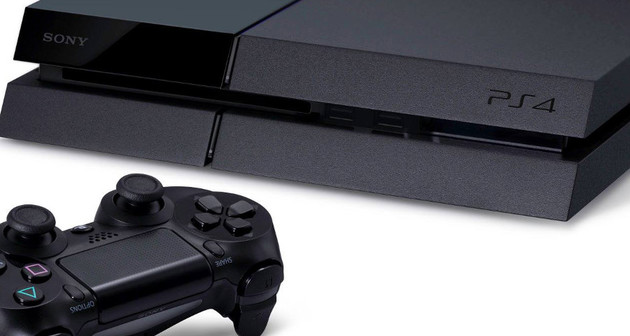
One of the iconic features of the PlayStation 4’s new controller is the light bar on the top of the unit. This is used to differentiate between players, provide in-game feedback, and help the new PlayStation Camera to track the device. Unfortunately, it can also be a bit irritating if you have a glossy television or want to play in the dark. The big question is: how do you turn the glowing strip off?
Unfortunately, at the time of writing, it’s not possible to dim the light or shut it down completely. Sony has hinted that game developers can turn off the light if they choose, but there’s no system-wide option to do this yet. If you really can’t stand the brightness of the light, then your best option is to cover it manually with masking tape. Otherwise, you’ll just need to hold out hope that the manufacturer adds in the option to turn it off in the future.
 Guide: Minecraft: PlayStation 3 Edition PS3 Trophy Guide & Road Map
 Guide: How to Defeat the Celestial Emissary in Bloodborne on PS4
 Guide: Where to Find All of Metal Gear Solid V: The Phantom Pains Music Cassette Tapes
 Guide: How to Beat Bloodborne: The Old Hunters Bosses
 How Will Music Unlimited on the NGP Work?