
If you reading this, it means there are high amount of chances that you are in trouble with mouse acceleration in Watch Dogs like me. There are default settings for mouse acceleration and it seems there is no settings to change it inside the in-game menu.

So here is quick fix i figured out:
For Windows 7) Go to "C:\Users\UserName\Documents\My Games\Watch_Dogs\*\GameProfile.xml" (Or figure out where GameProfile.xml is stored in your PC) and open this GameProfile.xml in text editor like Notepad."
In '<GameProfile....</GameProfile>' change "Sensitivity=" to 1, "UseMouseSmooth=" to 0 and also set "Smoothness=" to 0.
Now start your game and you can move mouse without acceleration, let us know if you find more tweaks.
Thanks for reading.




 Bloodborne Wiki – Everything you need to know about the game. .
 The Forest Wiki – Everything you need to know about the game .
 Dragon Age Inquisition: Restructure Character Skills
 BioShock 2: Confused, Confused is Babylon
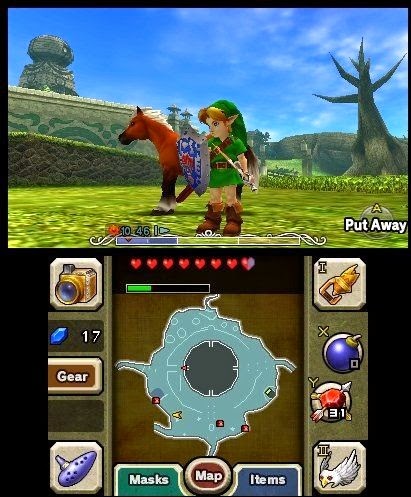 Legend of Zelda Majoras Mask 3D walkthrough with video guide