
Step 1: Load your MPEG source files by clicking "Add File(s)". Batch conversions are allowed!
Step 2: Click "Profile" drop-down list to select "Common Audio-MP3" as the output format.
Step 3: Click "Output-Browse" to select a folder for saving converted files.
Step 4: Click "Setting" to rearrange audio sample rate and audio bitrates.
Step 5: Click "Start" to convert MPEG to MP3.
What is MPEG?
MPEG stands for the Motion Picture Experts Group, part of the International Organization for Standardization (ISO) and International Electrotechnical Commission (IEC), charged with creating and publishing standards for various areas of technology, respectively. MPEG standards address audio and video formats used online, in television broadcasts, and in DVD media.What is MP3?
MPEG-1 or MPEG-2 Audio Layer III, more commonly referred to as MP3, is a patented digital audio encoding format using a form of lossy data compression. It is a common audio format for consumer audio storage, as well as a de facto standard of digital audio compression for the transfer and playback of music on digital audio players. (From Wikipedia, the free encyclopedia )




 PlanetSide 2 PS4 Guide On How To Upgrade And Do Team Work
 God of War Origins Trophies list
 Assassins Creed - Unity (PC) The companion App guide
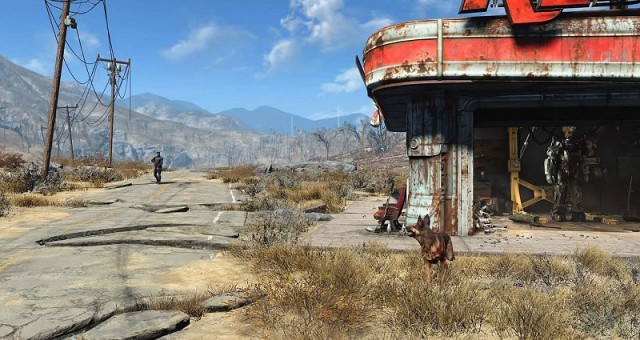 Fallout 4: Dangerous Minds - Find Doctor Amari at Memory Den and Discover Goodneighbor
 Gears of War: Ultimate Edition - COG tags Location Guide and How to Locate them