
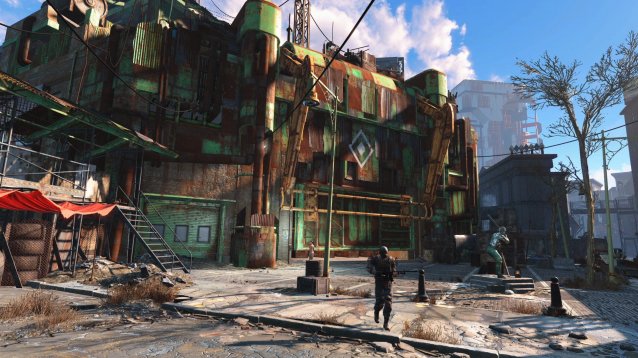
PC gamers have yet another tweak they can make to their Fallout 4 experience. Redditor /u/Kodix has discovered something interesting: the Fallout: New Vegas INI tweaks still work on the new game.
If you open your Fallout 4 configuration folder (located in Documents/My Games/Fallout4), open the Fallout4.ini file, and look under the [General] section, you can add this section of code to increase your FPS from 30 to a more stable 60:
uInterior Cell Buffer=12
uExterior Cell Buffer=144
bUseThreadedBlood=1
bUseThreadedMorpher=1
bUseThreadedTempEffects=1
bUseThreadedParticleSystem=1
bUseThreadedAI=1
bUseMultiThreadedFaceGen=1
bUseMultiThreadedTrees=1
iNumHWThreads=8
You can also use this code to remove stutter without affecting FPS:
iPreloadSizeLimit=262144000
/u/Kodix notes that these settings are unique to their laptop (i7-3630QM, 8 GB RAM, Radeon HD7970M, 1920x1080) and that anyone wishing to modify for their PC should use a guide, such as this one. However, they reported no loss in graphic fidelity.
To those who aren’t completely confident with modifying INI files, make sure to back up the original file to restore from in case anything goes wrong.
For more simple Fallout 4 guides and tips, check out a few of our explainers: increasing inventory space, scrapping, changing your field of view, skipping the intro video, unlocking frame rate, which settings to turn on or off, companions, basic and advanced console commands, and disabling mouse acceleration.




 How to Completely Destroy The Order 1886 Lycan / Half-Breeds
 NBA 2K16 Small Forward Build: How to Build the Best SF in the Game
 Dark Souls 2 Walkthrough for all Bosses
 FIFA 15 vs FIFA 16 which is better - Graphics comparison
 5 Useful, Money-Saving Online Shopping Tips You Should Know