
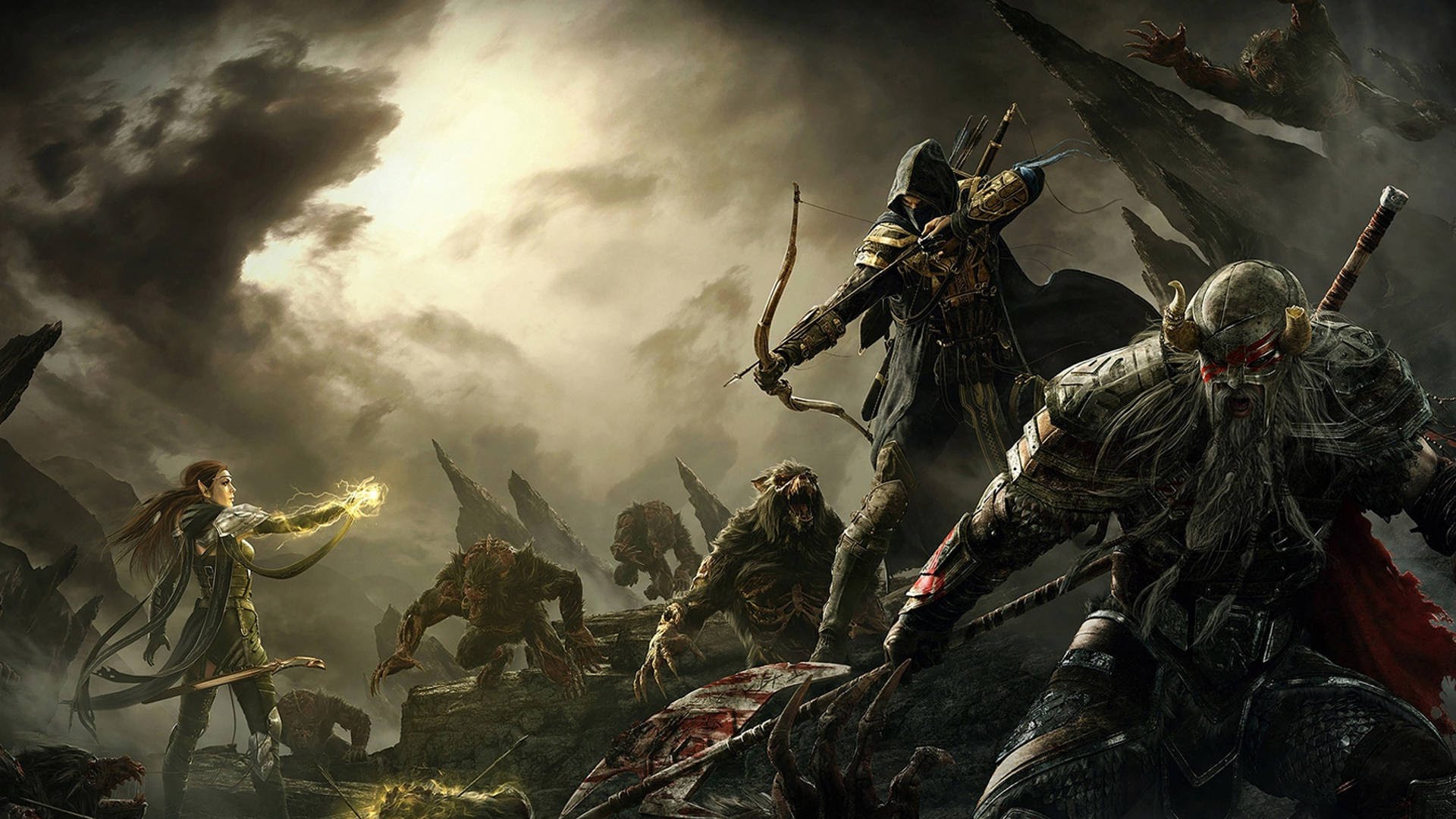
One of the most bothersome bugs found during The Elder Scrolls Online beta is the load screen freeze. Despite Bethesda’s efforts to fix the issue, the bug is still live and affecting many players in the last beta event. However, there are a few steps that you can do to temporarily resolve this issue.
If your loading screen is taking longer than usual, then it’s a strong indicator that the bug has randomly chosen you. To fix this you just have to close the game completely. Don’t forget to check your windows process list and terminate ESO. Then, just restart the game and your loading screen should finish smoothly. If the bug persists, try to close any other programs and activities that you might be running to clean up your RAM. This bug seems to be frequently affecting players with weaker machines, so making extra memory for ESO is crucial to avoid getting a load screen freeze.


 Five Nights At Freddys 3 Easter Eggs You Missed
 Destiny: House of Wolves Wanted Bounty Location Guide (May 26 Week): Wolf Scavenger, Queenbreaker and Ether Runner
 Unlock Diorama figures in Star Wars Battlefront
 How to Search Facebook - and Find Just About Anything!
 Fallout 4 Mission Guide: Duty of Dishonor