
In The Sims Medieval, similar to all previous versions, there is a “mosaic” covering your sims when they go to the bathroom, or get in the tub. This patch simply removes that mosaic.
First, make sure your game is updated to patch 1.1.10. Next, download this file and copy the contents into your The Sims Medieval folder. Typically it will be in this location:
C:\Program Files\Electronic Arts\The Sims Medieval
Run the game, and the mosaic should be gone.




 Resident Evil ORC Data/Intel Locations Level 4
 Castlevania: Lords of Shadow 2 Walkthrough Part 2 – How to Beat the Awakening
 Pokemon X & Y Guide: How to Get Fossil Pokemon - GamersHeroes
 Mo'Creatures, Extra Animals Minecraft Mod
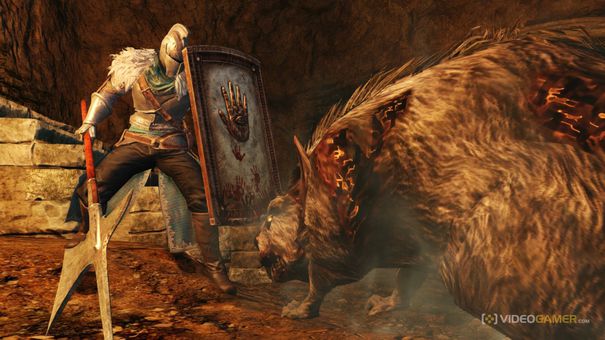 An alternative view on Dark Souls 2